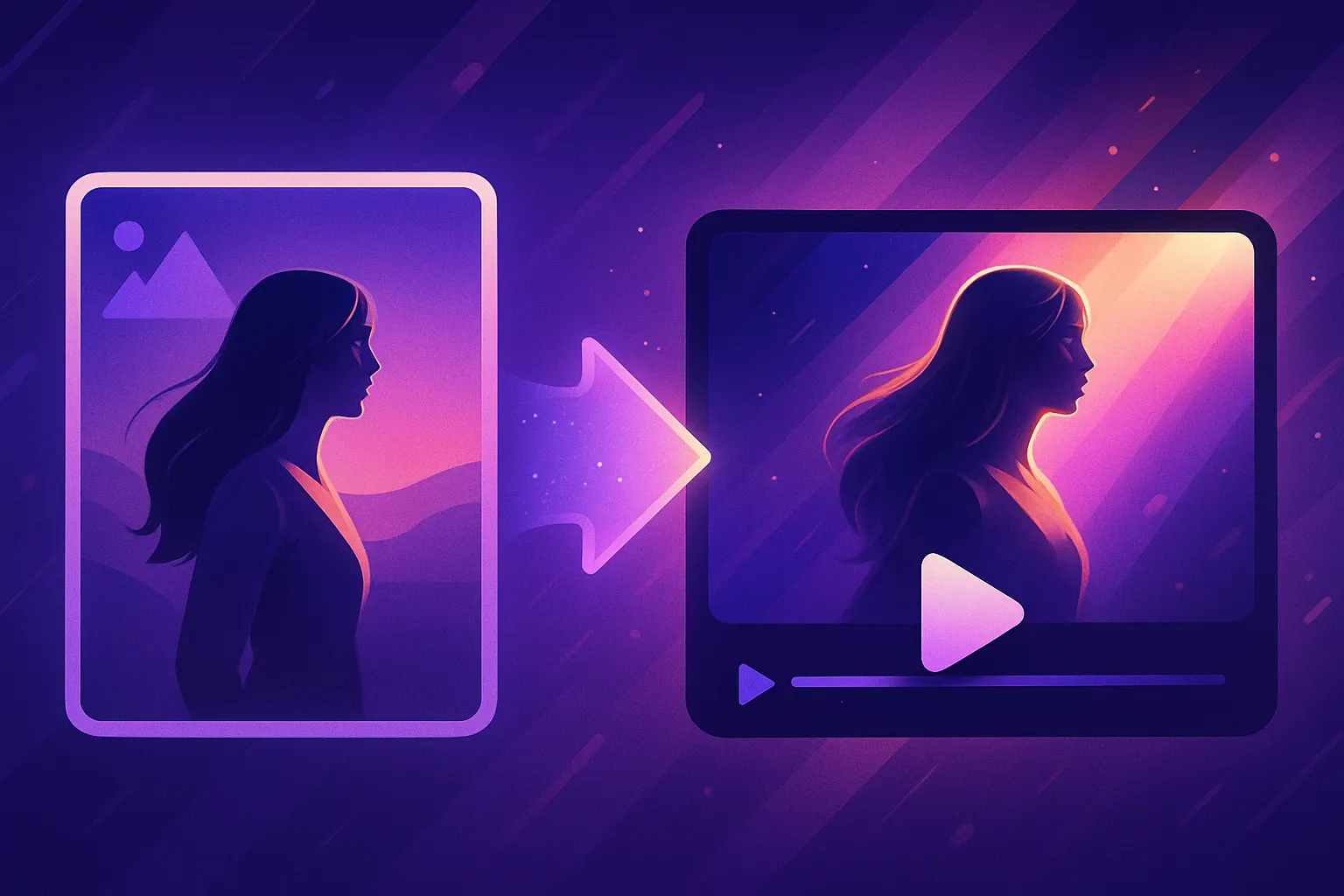
Create an AI Video from a Photo in Just Minutes!
Learn how to transform a single photo into an engaging AI video effortlessly!
How to Create an AI Video from a Simple Photo in Minutes
Creating eye-catching videos has never been easier. With advancements in technology, you can now create a video with AI from just a simple photo within minutes. This guide will walk you through the entire process using MakeVid, the ultimate platform for AI video generation.
Step 1: Choose Your Photo
The first step in creating your stunning AI video is selecting the perfect photo. This could be a memorable snapshot from your travels, a cherished family moment, or even a professional headshot. Ensure that the image is of high quality for the best results.
Step 2: Access MakeVid's Platform
Navigate to MakeVid's video studio. If you don’t have an account yet, create a free account to get started. It’s quick and easy!
Step 3: Upload Your Photo
Once you're in the video studio, look for the option to upload your image. This should be easily accessible on the dashboard. Just click on the upload button and select the photo you’ve chosen to convert into a video.
Step 4: Customize Your Video
After uploading your photo, it’s time to breathe life into it. With MakeVid’s intuitive AI video editor, you can:
- Select from various templates that suit your theme.
- Add animations to the photo to create movement.
- Incorporate background music or voiceovers using AI music generation.
- Adjust the duration of the video to fit your needs.
Step 5: Preview and Edit
Once you’ve customized your video, preview it to ensure everything flows smoothly. If you feel the need to make adjustments, the editing tools allow you to refine your creation until it’s just right!
Step 6: Export and Share
After finalizing your video, it’s time to export it. MakeVid provides various formats suitable for different platforms, including AI for TikTok and other social media sites. Choose the format, and hit the export button!
Why Use MakeVid?
MakeVid is not just about creating videos; it’s about elevating your content. Here are some reasons to choose MakeVid for your AI video needs:
- User-friendly interface designed for everyone.
- A vast selection of templates, including unique options like our FIFA card template and animated penalty kick templates.
- Efficient AI technology that ensures high-quality output in record time.
Get Started Today!
Now that you know how to make an AI clip from a simple photo, it’s time to put your knowledge into action. Visit MakeVid's video studio and start creating your next viral sensation!
Don’t forget to check out our templates for more ideas on how to make your videos stand out!