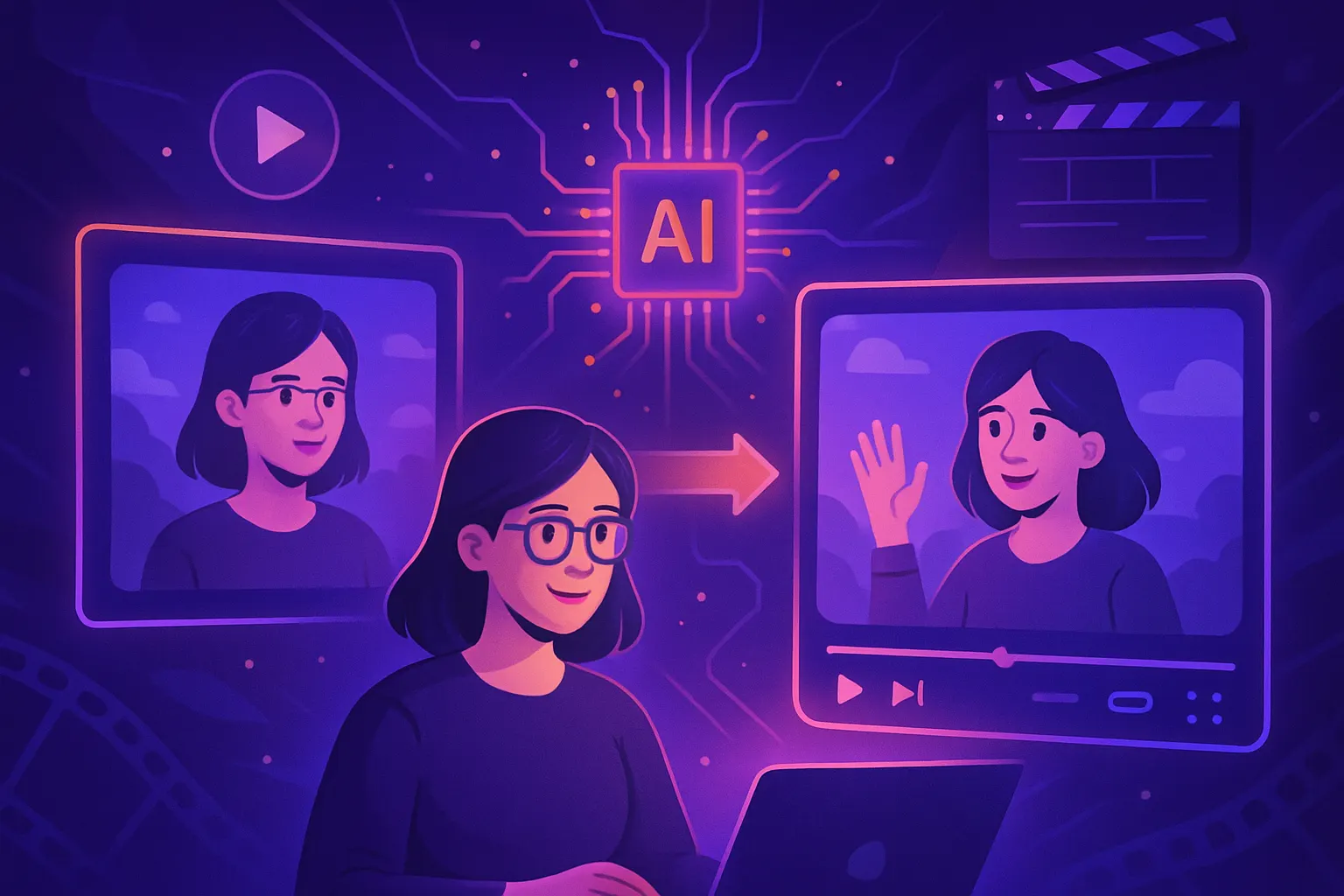
Create an AI Video from a Simple Photo in Minutes
Transform your photos into stunning AI videos in just minutes.
Introduction to AI Video Generation
In today's digital age, video content is king. Social media platforms, especially TikTok, thrive on engaging and creative videos. With advancements in AI video generation, transforming a simple photo into a captivating video has never been easier. In this guide, we will walk you through the steps to create a stunning AI video from just a single image, all in a matter of minutes.
Why Use AI to Create Videos?
Using AI for video creation offers numerous advantages. Here are some compelling reasons:
- Speed: Generate videos quickly without the need for extensive video editing skills.
- Accessibility: User-friendly interfaces allow anyone to start creating videos.
- Creativity: Use AI tools to add music, effects, and animations that enhance your video.
Steps to Create an AI Video from a Photo
Follow these simple steps to make an AI clip using MakeVid's advanced tools:
Step 1: Choose Your Photo
Select a high-quality image that you want to transform into a video. The better the image quality, the more captivating your video will be.
Step 2: Access Our Video Studio
Go to the video studio on MakeVid. Here, you can upload your chosen photo and begin the transformation process.
Step 3: Select a Template
MakeVid offers a variety of templates to choose from, including:
- FIFA card World Cup 2026 template: Perfect for sports enthusiasts.
- Animated penalty kick template: Ideal for dynamic sports highlights.
- Guess your age: Fun for social media engagement.
Browse our templates and pick one that fits your vision.
Step 4: Customize Your Video
Utilize the AI video editor to personalize your video. Here, you can:
- Add AI-generated music clips to match the mood of your video.
- Incorporate animations and effects that resonate with your audience.
- Use the image-to-video feature to bring your photo to life.
Step 5: Preview and Publish
Once you’re satisfied with your creations, preview your video. If everything looks good, hit publish to share your AI-generated video across social media platforms like TikTok for maximum engagement.
Maximize Your Video's Impact
To ensure your video stands out, consider the following tips:
- Optimize for platforms: Customize your video dimensions based on where you plan to share it.
- Engage your audience: Ask questions or encourage comments to boost interaction.
- Use hashtags: Research and include trending hashtags related to your content to increase visibility.
Get Started Today!
Creating an AI video from a photo is just a few clicks away. Don’t wait—start your creative journey now!
Sign up for a free account at MakeVid and explore the endless possibilities of AI video generation. With our easy-to-use tools and templates, you can produce stunning videos in minutes.
Conclusion
AI video generation is revolutionizing how we create and share content. By following the steps outlined above, you can easily transform your photos into engaging videos that capture attention. Dive into the world of AI video creation today and let your creativity shine!