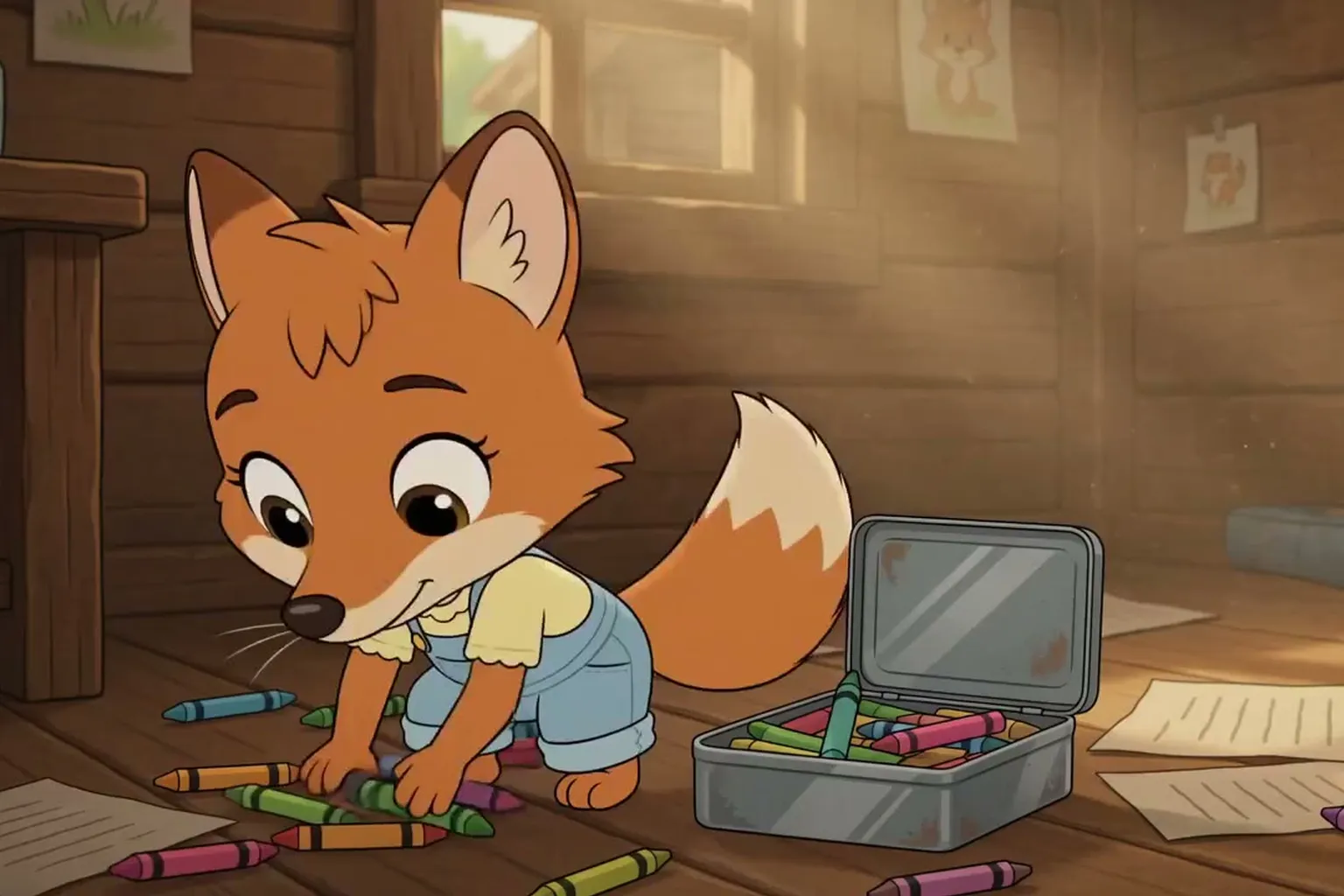
How to Make a Cartoon with AI: The Complete Guide (2026)
Characters, scenes, dialogue and voices: how to make your own cartoon with AI in minutes, even if you can't draw.
For a long time, making a cartoon meant months of work: drawing every character, animating frame by frame, recording voices, editing it all together. In 2026, AI has changed the game. With MakeVid's Cartoon template, you invent your characters, write your scenes and get a real animated video where they move and talk. No drawing skills, no animation software.
What you can make with an AI cartoon generator
An AI cartoon isn't just a picture that wiggles. It's a short film with a story, characters who keep the same face from one shot to the next, dialogue synced to their lips and an optional voice-over. A few ideas:
- An episode starring your pet, turned into a cartoon hero.
- A bedtime story for your kids, with them in the lead role.
- A skit for TikTok, Reels or Shorts in vertical 9:16.
- An animated birthday card where your friends become cartoon characters.
- A brand mascot that presents a product in 30 seconds.
Step 1: create your characters (from a photo or a description)
It all starts with casting. For each character, you pick a name and a handle (for example @tedy), then describe it one of two ways:
- From a photo: the AI turns the person, pet or object in the photo into a cartoon character while keeping its recognizable features. It's the easiest way to turn a photo into a cartoon.
- From a description: "a ginger teddy bear with one stitched-up eye and a green scarf". The more precise you are, the more faithful the character.
The AI then draws two character reference sheets (front, back and side views) and you keep the one you like best. That sheet becomes the character's reference: it's what gives them the same face in every scene. Once created, your character stays in your library, and you can reuse it for free in all your future cartoons.
Step 2: choose your cartoon style
Each film has a single style, so every character looks like they come from the same world:
- Anime: fine lines, big eyes, cel shading.
- 2D cartoon: simple shapes, bold colors, exaggerated poses.
- 3D: soft volumes and animated-movie lighting.
- Chibi kawaii: tiny bodies, big heads, super-cute pastels.
- Retro anime 80s-90s: grain, desaturated colors, VHS vibe.
- 1930s cartoon: rubber-hose limbs, pie eyes, black and white.
Step 3: write your scenes like a real script
A cartoon is a sequence of shots. For each shot, you fill in four simple fields:
- The setting: "a forest clearing at dawn, mist between the trees".
- The dialogue, line by line: you choose who speaks (@tedy, @lila…) and what they say. Characters speak with their own voice and their lips move in sync. An "Action / camera" line describes what we see without anyone saying it, and a @narrator line adds a voice-over.
- Sound or music: a slamming door, suspenseful music…
- Shot length: 6, 10 or 15 seconds.
Out of ideas? Pitch your story in a few lines and the AI writes the script for you, split into scenes you can then edit.
Step 4: review the storyboard, then generate your film
Before anything is rendered, you get a storyboard: the list of your shots, which you can rewrite, reorder, cut or extend. When you're happy, click "Generate" and the AI animates every shot, then edits the final film with the dialogue and voice-over. You can close the page: you'll get a notification when it's ready.
Not happy with one shot? You can fix it on its own by telling the AI what's wrong ("he shouldn't be smiling", "wider camera") without redoing the whole film.
Tips for a great AI cartoon
- Think in short shots: one idea per shot, 4 to 6 short lines rather than a long monologue.
- Reuse the same setting with the same words when two scenes follow each other in the same place.
- Make your characters act: one concrete gesture ("he hides the broken vase behind his back") beats three vague descriptions.
- End on a punchline: a surprise, a twist, a funny last line.
How much does it cost?
Creating a character costs a few tokens, and it stays reusable forever. Film generation is included in the subscriptions: 1 cartoon per day up to 1 minute with the Pro plan, and 2 per day with the Business plan. You can explore the studio, create your characters and prepare your storyboard before choosing your subscription.
Your turn
Got a story idea? Create your free account, open the Cartoon template and bring your first character to life. Prefer a live-action look? Check out our Live-action film template too.