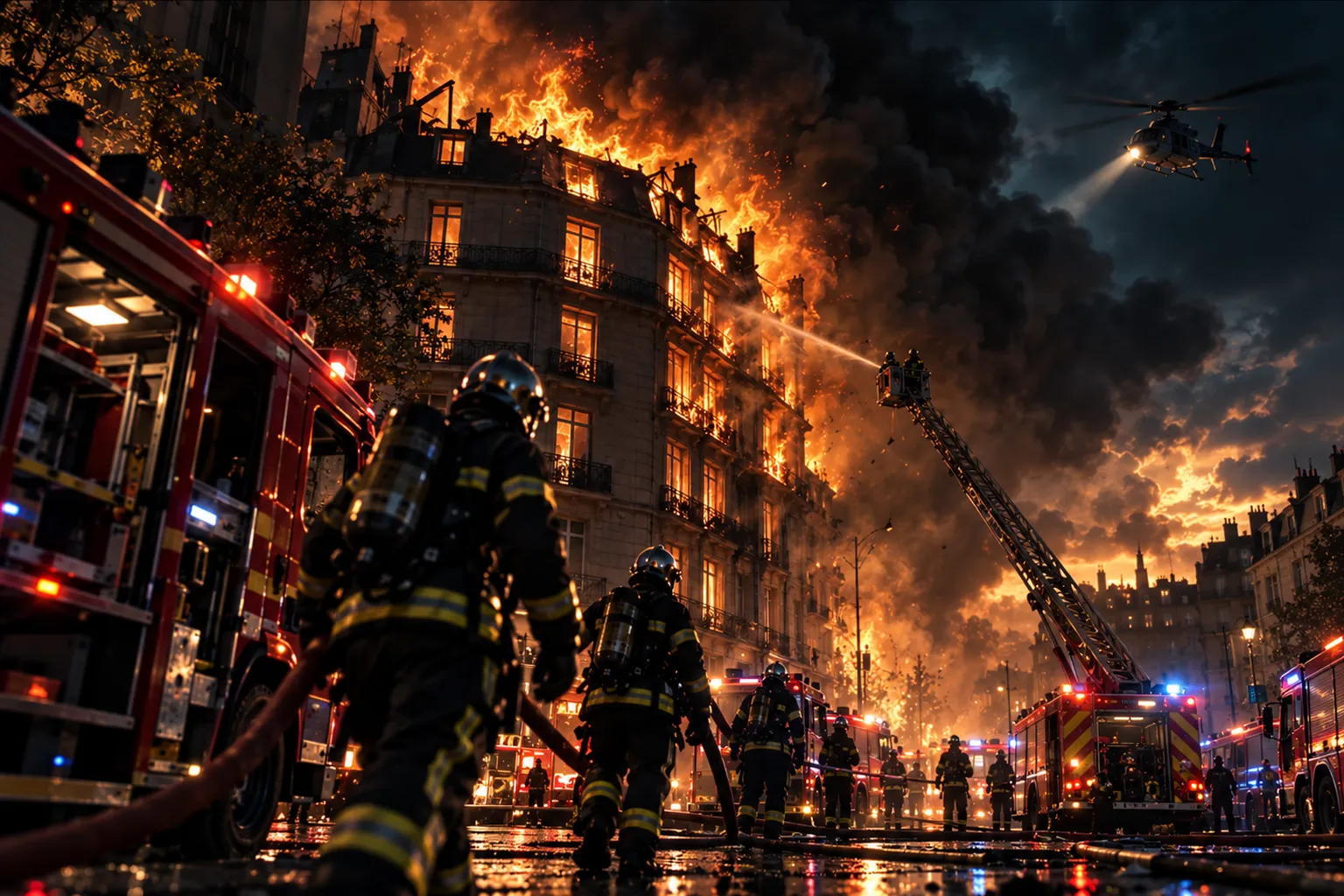
How to Make a Realistic AI Movie: From Idea to Video
Casting, scenes, lip-synced dialogue: how to make a realistic live-action short film with AI, right from your browser.
AI-generated video has taken a huge leap forward: you can now get photorealistic shots, with actors who keep the same face from scene to scene and speak with genuine lip-sync. MakeVid's Live-action film template takes you from idea to finished movie with no camera, no actors and no editing software. It's an AI movie maker that runs entirely in your browser.
Why make a realistic movie with AI?
A live-action look changes everything for certain uses:
- Skits and comedy videos for TikTok, Reels or YouTube Shorts.
- Mini-series with recurring characters your audience recognizes.
- Ads and product showcases with a "movie" look.
- Staged memories: you and your friends in an action-movie scene or a fake TV report.
- An animated storyboard to pitch a short film project before shooting.
Step 1: cast your AI actors
Each actor in your film is created once. You give them a name and a handle (for example @leo), then:
- upload a photo: the AI faithfully reproduces the person (face, hairstyle, build, outfit) on a photographic reference sheet;
- or describe them: "a 30-year-old man, short beard, denim jacket, always looks worried".
The AI offers you two reference sheets showing front, back and side views. Keep the best one: it's what guarantees your actor has the same face in every shot. Your actors then stay in your library, reusable for free in all your films.
Important: only use photos of yourself or of people who agree to appear in your video. Image and likeness rights apply to AI-generated videos too.
Step 2: choose your film's look
Six live-action looks are available, each with its own mood:
- Cinema: cinema camera, background blur, filmic color grading.
- Smartphone video: shot on a phone, natural light, social-media look, perfect for TikTok.
- TV report: HD broadcast image, perfect for a fake newscast or a fake interview.
- Action movie: big budget, dramatic lighting, punchy colors.
- 90s camcorder: VHS texture, faded colors, home-video feel.
- Black and white: high contrast, deep shadows, film grain.
Step 3: write your scenes
Each shot is made of a setting, dialogue written line by line (who speaks and what they say), sound or music and a length of 6, 10 or 15 seconds. The actors deliver their lines with their own voice and synced lips. An "Action / camera" line describes what happens on screen, and a @narrator line adds a documentary-style voice-over.
You can also let the AI write the script from a simple pitch, then tweak each scene your way.
Step 4: storyboard, generation and fixes
First, review your storyboard: rewrite a line, reorder shots, delete one or add one. Then click "Generate": the AI shoots each shot, and the film is edited automatically with sound and voice-over, in vertical 9:16 or horizontal 16:9. If a shot isn't right, you redo just that one by describing the fix you want.
5 tips for a truly realistic AI video
- Describe the light: "late afternoon, low golden light" instantly gives a cinematic look.
- Name concrete details in the setting: a whistling kettle, rain on the window.
- Keep lines short (5 to 12 words): it sounds more natural and syncs better.
- One camera move per shot: the AI stays more stable.
- Use sharp, front-facing photos to create your actors: the face will be more faithful.
Pricing
Creating an actor costs a few tokens, just once. Film generation is included in the subscription: 1 realistic film per day (up to 1 minute) with Pro, 2 per day with Business. You can prepare your whole film before choosing your subscription.
Make your first film
Create your free account, open the Live-action film template and direct your first AI short film today. Want a more colorful world? Try the Cartoon template too.